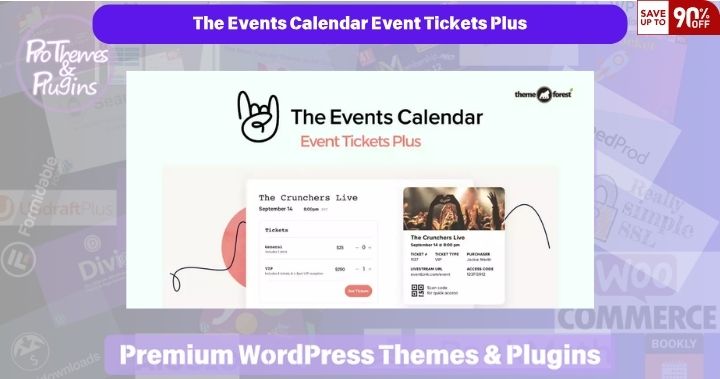
The Events Calendar Event Tickets Plus
Choose Your Desired Option(s)
Event Tickets Plus extends the free Event Tickets plugin with ticket-sales and attendee-management tools for WordPress.
Create ticket options, collect attendee information and manage check-in using QR-coded tickets. Use it on supported posts and pages, or combine it with The Events Calendar for event listings.
Core Features
- Multiple ticket types and shared capacity options
- Custom attendee registration fields
- QR-code attendee check-in
- Ticket-sales and commerce integrations
- Attendee and ticket-management workflows
What’s New in Version 6.11.0.1
The supplied changelog dates this release October 1, 2026. It corrects the CSS identifier used by the RSVP attendee-fields modal in the classic editor after the RSVP v2 metabox moved into its own form container.
Integration & Compatibility
Requires WordPress 6.9+, PHP 7.4+ and Event Tickets 5.30.0 or later. The package readme lists WordPress testing through 7.1. The Events Calendar is optional for displaying calendar event listings and is not included in this ZIP.
If using WooCommerce ticket sales, the header declares WooCommerce 7.1+ and testing through 9.8.5. Test your selected commerce provider and installed versions before launch. Payment services and gateways require their own setup.
License & ProThemesWP Verification
- Event Tickets Plus 6.11.0.1 confirmed from the plugin header
- Header declares GNU GPL v2 or later
- Supplier package contains modified licence validation and update-option handling
- VirusTotal report matches the SHA-256 of this exact ZIP
ProThemesWP has used this supplier for years without reported problems in its own experience. A matching scan is a point-in-time check and does not guarantee safety or validate licence-related modifications. Report for this exact ZIP — view the scan ↗
Developer support, official account access and external-service entitlements are not guaranteed by this package.
Why Choose Event Tickets Plus?
Keep ticket configuration, attendee data and check-in workflows connected to your WordPress website.
How to Install
Install Event Tickets first. Upload the supplied Plus ZIP through Plugins → Add New Plugin → Upload Plugin, install it and activate it. Keep Event Tickets active and test registration, payment and ticket emails.
Changelog — Version 6.11.0.1
- Corrected the RSVP attendee-fields modal CSS identifier in the classic editor.
Source: readme.txt inside the supplied Event Tickets Plus package.
Related Products
Recently added products.